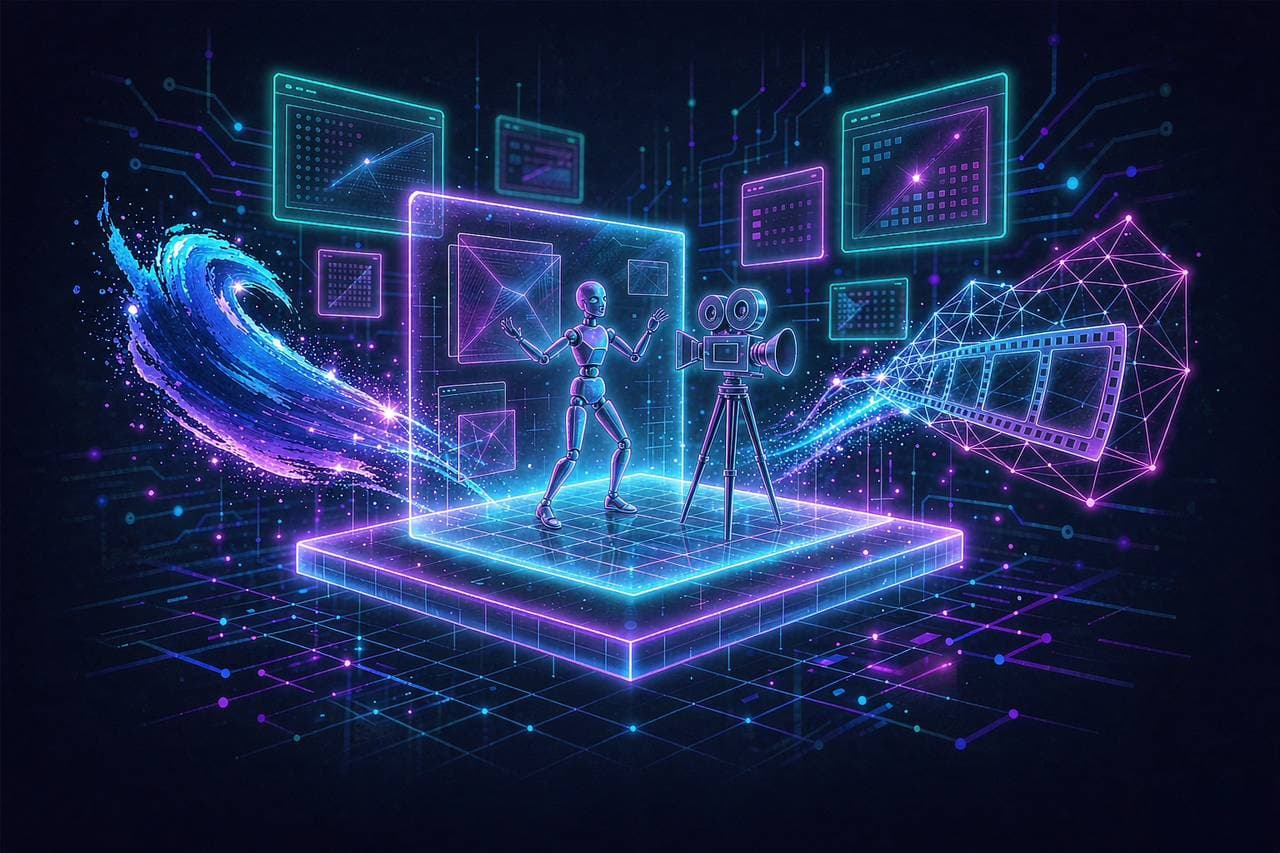
ArtCraft Project Analysis: Transforming Prompts into Handmade Creations – An AI-Powered Image and Video Creation IDE for Artists
ArtCraft is an AI image and video creation IDE developed by the ArtCraft team using Rust, which positions itself as an IDE specifically for artists. It provides a complete workflow, from generating images with prompts to creating scenes: including 2D canvas composition, 3D scene arrangement, character pose and identity transfer, image-to-3D mesh conversion, background removal, combined with text-to-image generation, layout redesign, and video creation. It includes a directory of 62 models and supports external providers such as Midjourney, Grok, Sora, and World Labs; it has approximately 22,500 stars and uses both MIT/Apache-2.0 licenses.
Related tags
Project Overview
ArtCraft is an interactive AI image and video creation IDE, developed by the ArtCraft team using Rust. It’s designed with a clear focus: “The IDE for artists.”
Its purpose is to bridge the gap between generating AI content from prompts (“prompting”) and creating tangible results (“crafting”): moving from generating scenes in 2D to building sets in 3D, then selecting appropriate models. As the developers put it, ArtCraft enables “converting prompting into crafting,” allowing users to achieve precise and repeatable outcomes through visual tools.
As of October 13, 2026: The project boasts approximately 22,537 stars and 3,622 forks, with Rust as its primary language and both MIT and Apache-2.0 licenses. It was created in March 2022 and is currently under active development (the latest commit was on October 11, 2026). The current stable version is v0.41.0 (as of September 26, 2026).
What Problems Does It Solve?
For artists who are serious about their craft, AI generation often presents challenges: controlling the composition, ensuring character consistency, and managing camera angles. Simply providing a prompt isn’t enough to guarantee the desired results.
ArtCraft addresses this by allowing users to “build the scene first.” This involves placing virtual actors in a consistent environment, arranging multiple shots within the same room, and pre-positioning characters before defining the camera angle. These steps are designed to be editable and reusable, eliminating the need for repeated attempts based on random prompts.
Core Capabilities
Advanced Crafting: Build Scene First, Then Generate
The README file details these “advanced crafting” capabilities with demonstrations for each:
- Image to Location: Placing virtual actors in a consistent environment and planning multiple shots within the same room.
- 3D Image Compositing: Layering backgrounds, foregrounds, and props in a 3D space to create depth.
- 2D Image Compositing: Combining images using layers, background removal, and drawing tools.
- Image to 3D Mesh: Transforming an image into a 3D object that can be manipulated, rotated, and viewed from specific angles.
- Character Posing: Setting character poses and camera angles before final rendering.
- Scene Blocking with Kitbashing: Combining 3D assets to control camera angles, object placement, and depth of field.
- Character Identity Transfer: Using pre-posed figures to guide the positioning and posing of characters.
- Background Removal: Isolating subjects for use as props, layers, or backgrounds in 2D/3D scenes.
- Mixed Asset Crafting: Combining images, world generation, and 3D meshes within a single scene.
The developers have also announced upcoming demonstrations for scene placement, canvas editing, and scene relighting.
Quick Start: From Idea to Finished Product
For rapid exploration of ideas, users can start with prompts and refine the results using the tools provided:
- Text to Image: Experimenting with different image models using text prompts.
- Prompted Image Editing: Modifying images using natural language descriptions, supported by models like Nano Banana Pro and GPT Image.
- Canvas Image Editing: Precisely controlling image modifications using drawing, masking, and inpainting tools.
- Image to Video: Generating videos from images with optional video models and control over the process.
Further demonstrations are planned for image local editing and “image ingredients.”
Supported Models and Providers
In addition to their own model services, ArtCraft integrates with several external providers:
| Provider | Available Models & Workflows |
|---|---|
| ArtCraft | Images, videos, music & sound effects, 3D meshes, worlds (complete model catalog) |
| Grok | Grok Imagine, Grok Video |
| Midjourney | Midjourney image generation |
| Sora | Sora 1, Sora 2, GPT Image 1 |
| World Labs | Marble world generation (based on Gaussian splats) |
The complete 62-model catalog is listed in the README (details are folded into sections marked † for currently disabled and ‡ for models currently unavailable on the desktop).
Download and Installation
| Channel | Description |
|---|---|
| Stable (Windows / macOS) | https://getartcraft.com/ |
| Latest Build | https://github.com/storytold/artcraft/releases |
| Build from Source (including Linux) | _docs/dev_setup.md; desktop build scripts in script/artcraft |
The latest stable version, v0.41.0, includes macOS universal installation packages (ArtCraft_0.41.0_universal.dmg and ArtCraft_universal.app.tar.gz), Windows installers (ArtCraft_0.41.0_x64-setup.exe and ArtCraft_0.41.0_x64_en-US.msi), and Linux builds that require manual setup from source code.
Project Status and Licensing
ArtCraft uses either the MIT or Apache-2.0 license (the user can choose). The copyright belongs to the ArtCraft Team and contributors. Third-party materials and required statements are listed in the NOTICE file.
The project is highly active with approximately 22,537 stars, 3,622 forks, and 271 open issues. The latest commit was just two days ago. Official channels include the Discord community, YouTube (with a 2-minute demo video), X, and LinkedIn.
Getting Started
More News
Want to see more quality content?
Browse all news